Chapter 5: Deploy n8n on Railway Cloud Hosting
In this chapter, you'll deploy n8n to Railway, get a public HTTPS address for webhooks, set the encryption key and webhook URL, and understand the billing.
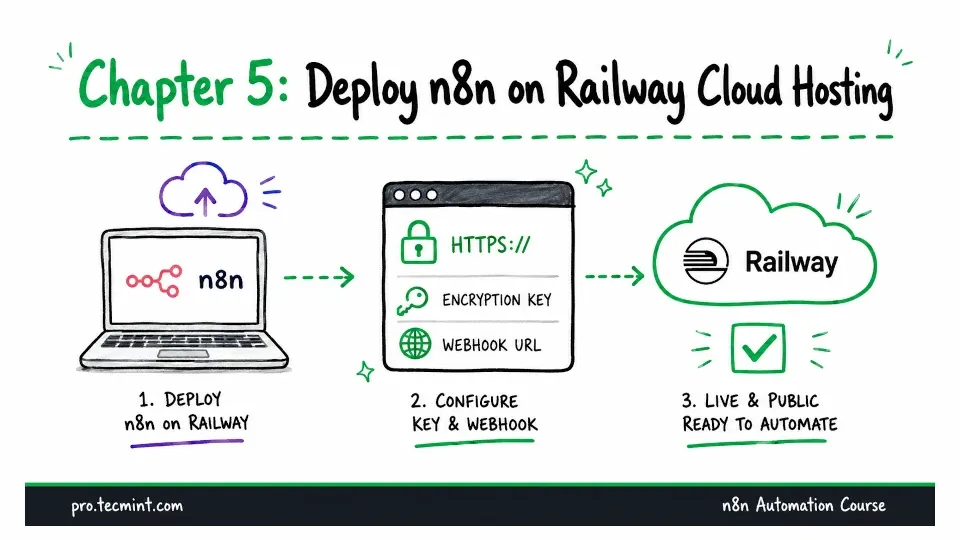
In the previous chapter, you installed n8n inside a Docker container with a volume to store your data.
In this chapter, you'll learn the third installation method in Module 2, which is deploying n8n to Railway.
Railway is a cloud hosting platform that runs containers for you, giving you an always-on n8n instance with a public HTTPS address without configuring a server yourself.
That public address is what makes this deployment so useful. The two installation methods you've used so far run only on your local machine, which means they aren't reachable from the internet.
Because of that, services like Telegram can't send messages to your laptop, and Airtable can't notify it when a record changes. Many of the workflows you'll build in Modules 3 and 4 rely on these kinds of external events, so they need an n8n instance that internet services can access.
With Railway, you can get everything up and running in about five minutes. However, there are two important settings that determine whether your deployment continues to work properly.
They're easy to overlook because the deployment appears to be successful even if those settings are missing.