SnapRAID: Protect Your mergerfs Storage Pool from Drive Failure on Linux
Learn how to protect your mergerfs storage pool from drive failure using SnapRAID with parity, automated sync, and full drive recovery.
— Ravi Saive — 10 min read
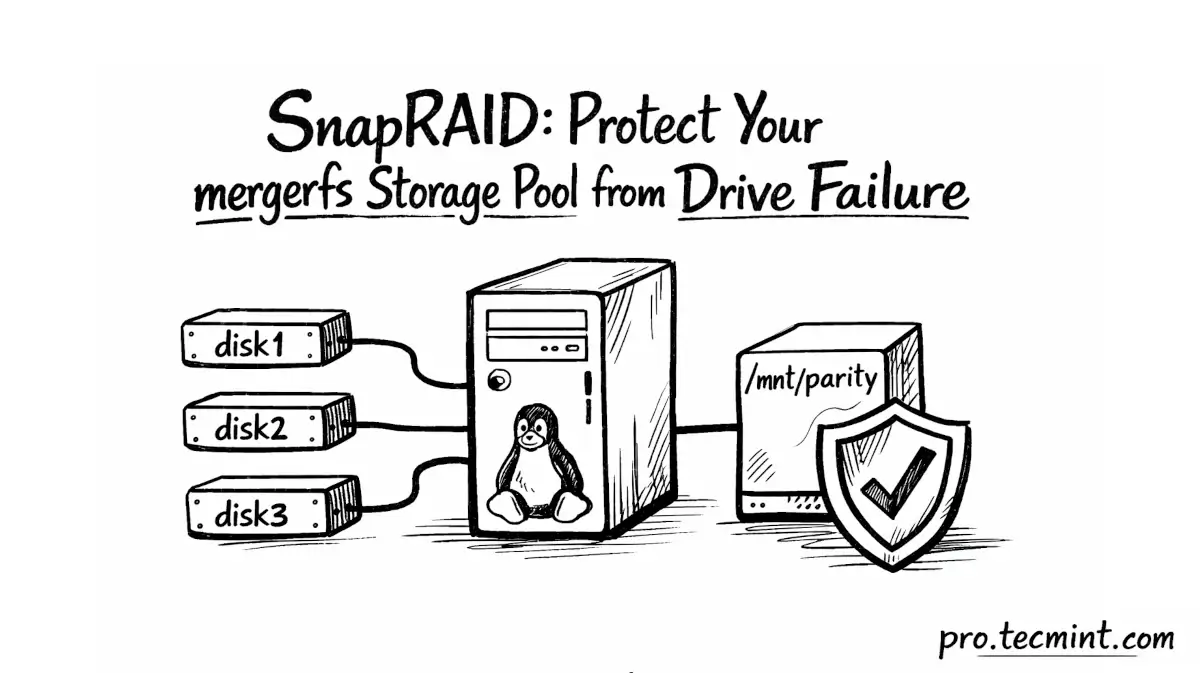
This guide is Part 2 of the free Linux Home Lab Series. Join the free Sudo plan to access all three chapters - no credit card required.
This is Part 2 of the Linux Home Lab Series. If you haven't read Part 1 yet, start with mergerfs: Combine Multiple Hard Drives into One Storage Pool on Linux first - this guide picks up exactly where that one left off.
At this stage, you have a clean setup: one storage pool at /mnt/media, with all three drives merged into a single location, and Jellyfin simply reads from that one path
But there’s a catch - mergerfs has no protection against drive failure. If one drive fails, all the files stored on that drive are lost. The other drives will still work, but that portion of your data is gone for good.
For many home lab users, that trade-off is fine, because important files are backed up elsewhere, and the rest can be replaced if needed.
But what if you want some level of protection for your entire media library without getting into the cost and complexity of RAID?
That’s where SnapRAID comes in.