smartmontools: Monitor Drive Health Before They Fail on Linux
Learn how to monitor drive health in your mergerfs and SnapRAID home lab storage stack on Linux using smartmontools with automated alerts and early failure warnings.
— Ravi Saive — 9 min read
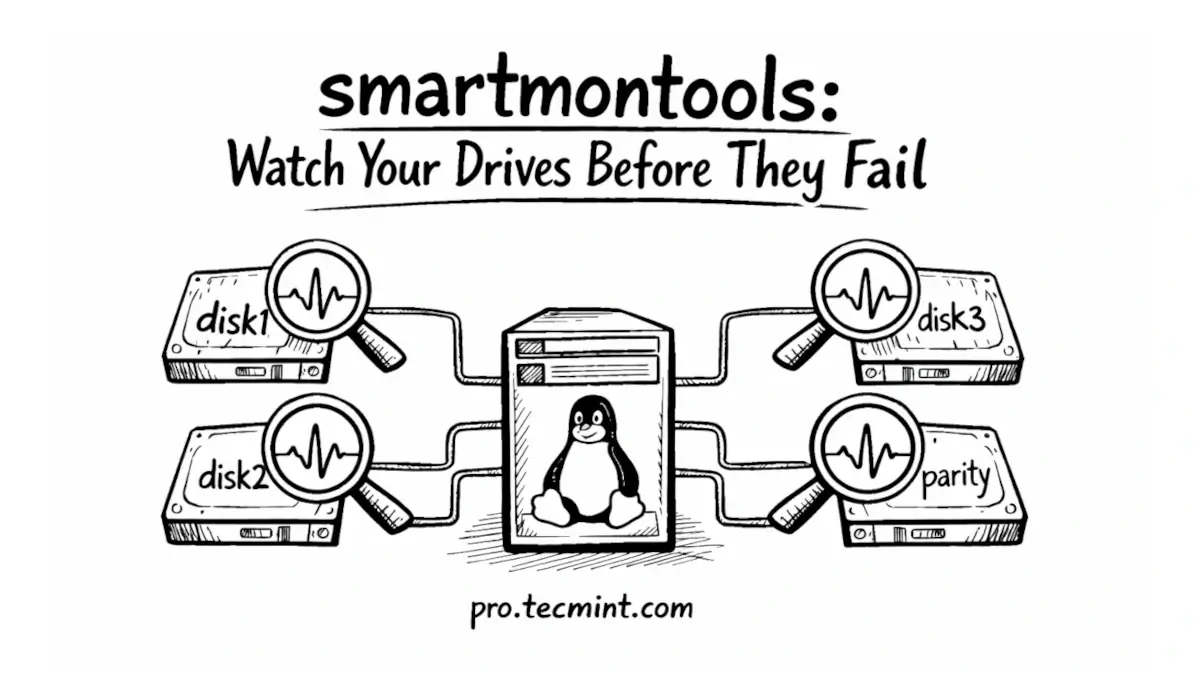
This is the final chapter of the free Linux Home Lab Series. Join the free Sudo plan to access all three chapters.
This is Part 3 of the Linux Home Lab Series. If you haven't read the previous guides yet, start with Part 1 - mergerfs: Combine Multiple Hard Drives into One Storage Pool and Part 2 - SnapRAID: Protect Your Storage Pool from Drive Failure first.
At this point, you already have two solid layers in place - mergerfs combining all your drives into one clean pool, and SnapRAID protecting that pool with parity so a single drive failure doesn't take down your entire media library.
But here's the thing, both mergerfs and SnapRAID are reactive - they come in after something goes wrong. What if you could know a drive was about to fail before it actually did?
That's exactly what smartmontools does.
Every modern hard drive has a built-in health monitoring system called S.M.A.R.T (Self-Monitoring, Analysis and Reporting Technology) that silently tracks dozens of indicators inside the drive, such as how many read errors have occurred, how many bad sectors have been remapped, how hot the drive runs, and how many hours it has been powered on.
All of this data is sitting inside your drives right now, and smartmontools is the tool that reads it and tells you what it means.
The goal is simple here: get a warning while you still have time to replace the drive and recover your data, not after it's already dead.