OpenCode: Run Any AI Model in Your Linux Terminal for Free
Learn how to install and use OpenCode in Linux to run AI models from your terminal with free built-in models, Ollama support, and your existing Claude or ChatGPT subscription.
— Ravi Saive — 10 min read
If you've been following the Linux with AI series, you already know tools like shell-gpt and Gemini CLI, both of which work well, but there’s a limitation: you are tied to one provider.
shell-gpt uses OpenAI, and Gemini CLI is part of the Google ecosystem, and if you want to switch between them, it usually means starting from scratch, but OpenCode removes that limitation completely.
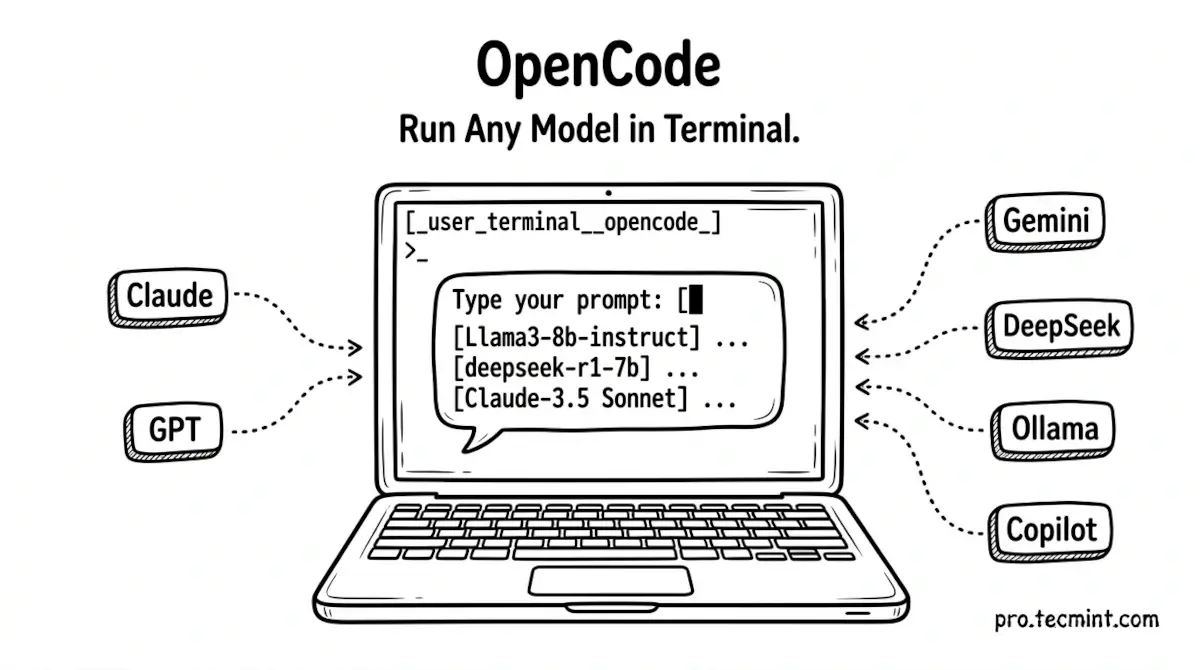
OpenCode is a free, open-source AI coding agent built specifically for the Linux terminal, and it ships with a set of free models you can use right away without creating an account or entering a single API key.
When you're ready for more, you can connect any provider you prefer, such as Claude, GPT, Gemini, DeepSeek, local models via Ollama, or use your existing Claude Pro, ChatGPT Plus, or GitHub Copilot subscription directly.
It was built by the team behind SST (a serverless deployment framework), released in late 2025, and has since crossed 140,000 GitHub stars with 850 contributors and 6.5 million developers using it every month.
It's available as a terminal interface, a desktop app (for Linux, macOS, and Windows), a web app, and an IDE extension - but for this article, we focus on the terminal, which is where it's most at home.
 Ravi Saive