mergerfs: Combine Multiple Hard Drives into One Storage Pool on Linux
Learn how to merge multiple hard drives into a single, easy-to-manage home media storage pool on Linux using mergerfs.
— Ravi Saive — 11 min read
You're reading Part 1 of the free Linux Home Lab Series, which is only available when you join our free Sudo plan.
Here’s a common problem many home lab users face.
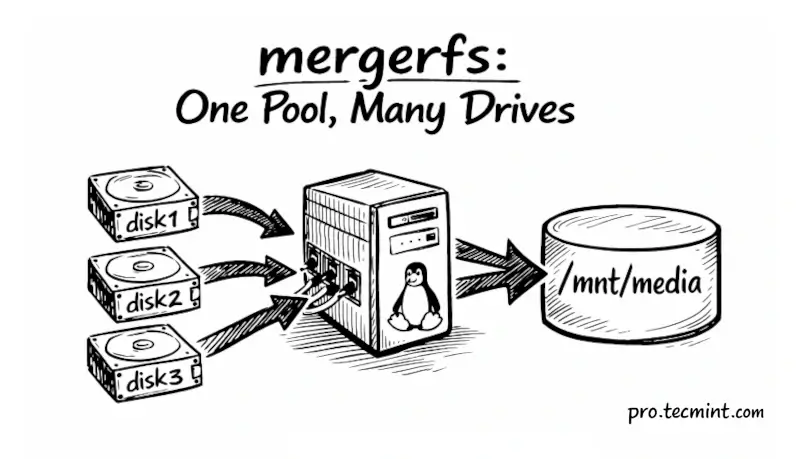
You have a Linux server with three hard drives. One stores your movies, another has your TV shows, and the third is for new downloads, but when you open Jellyfin or Plex, you have to look in three different folders.
If one drive gets full, you have to manually move files around, and when you add another drive, things just become even messier and harder to manage.
Sound familiar?
There's a much better way to handle this with the help of a tool called mergerfs, which lets you combine all your drives into one single storage pool.
From the outside, it looks like one big drive, but under the hood, your files still live on their individual drives, safe and separate.
In this guide, I'll walk you through everything from scratch. No prior experience with storage tools needed.