Create a RHEL 10 bootc Image and Deploy to VM and Disk
In this guide, you'll learn what bootc is, how to build a RHEL 10 image, and how to install it to disk with bootc install to-disk.
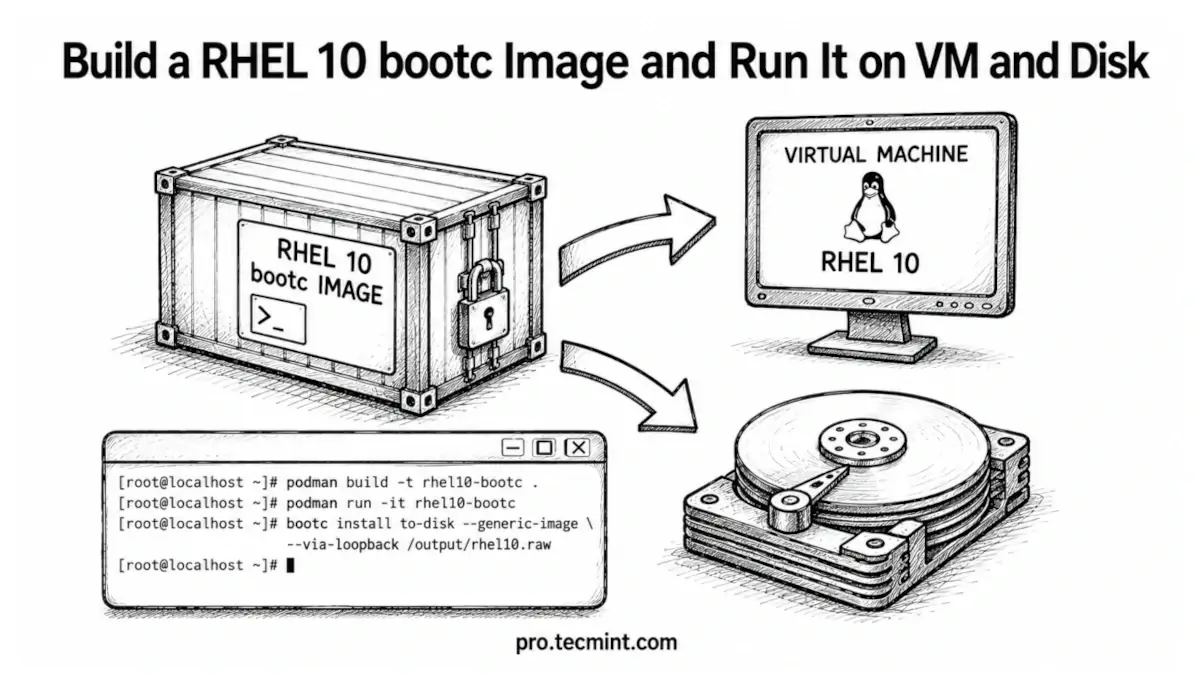
If you've been managing Linux servers for a while, you've probably seen this happen: you install updates, tweak a configuration file, add a package to fix a problem, and move on.
After doing this across multiple servers for months, systems that started out identical gradually drift apart and become different from one another.
That's where Image Mode in RHEL 10 helps. Instead of continuously modifying a running system, you build the entire operating system as a single image and deploy that image to your servers.
When changes are needed, you create a new image and replace the old one, rather than making manual changes directly on the server.
The technology that makes this possible is bootc, which uses standard OCI container images, the same format used with Podman and other container tools, to install image-based operating systems on physical or virtual machines and manage updates by switching systems to newer images when they become available.
The concept is actually quite simple. Instead of treating the operating system as something you modify over time, think of it as a container image.
You define everything once, build it into an image, and then deploy that same image everywhere. Systems stay consistent, are easier to manage, and behave more predictably.
For this guide, I tested everything on RHEL 10 with a valid Red Hat subscription. If you don't have access to RHEL, you can follow along with CentOS Stream 10 by replacing the base image with:
quay.io/centos-bootc/centos-bootc:stream10
All of the commands and steps in this guide work the same way with either option.